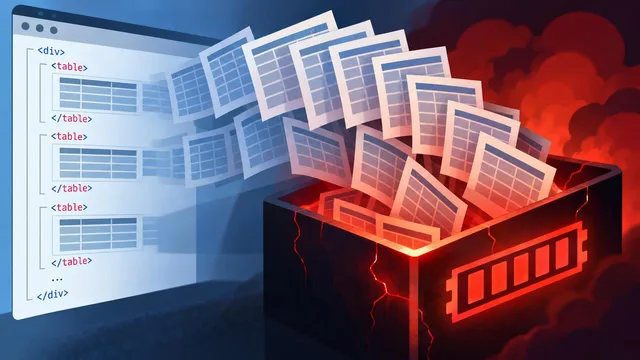
[261122] From CI fixes to polished diagrams, agent tools take on practical work
TOP 16 · Collected 2026-11-22 15:44 KST
1. elementalsouls/Claude-BugHunter

Claude-BugHunter packages skills for bug-bounty work and external security assessments, addressing the scattered checklists and report patterns that can make authorized reviews inconsistent. Its README says the bundle includes 83 skills and 15 slash commands, with topic-based loading in supported agent environments.
The skills organize assessment work around reconnaissance, prioritization, validation, and reporting. They include scope checks and evidence-handling guidance, and the project is explicitly intended for assets owned by the tester or covered by written authorization.
The expected benefit is a more organized, auditable workflow, not an assurance that a system is secure or that a finding will be accepted. The README also marks internal network operations and post-compromise work as outside the project’s intended scope.
2. obra/superpowers
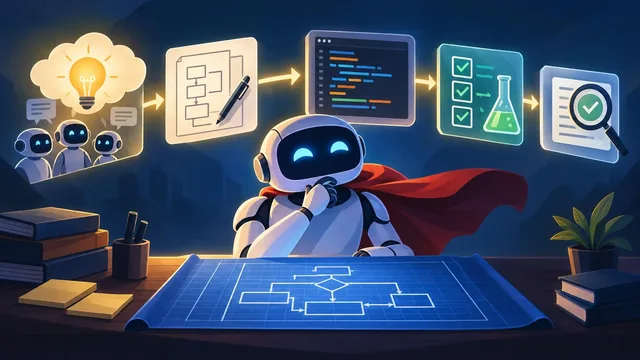
Superpowers gives coding agents a development process that starts by clarifying what a user wants, rather than immediately producing code. The goal is to reduce misunderstandings and make implementation easier to review.
Once a design is approved, the skills produce small implementation tasks and guide development through test-first work, code review, and branch cleanup. Agents can handle tasks through subagents or in the current session, and the README lists support across a range of coding-agent platforms.
Users can expect a more structured path from idea to reviewed changes, though the project does not promise error-free output. Its own guidance calls for checking the work and provides a diagnostic skill that can examine session transcripts when the workflow misfires.
3. HKUDS/CLI-Anything
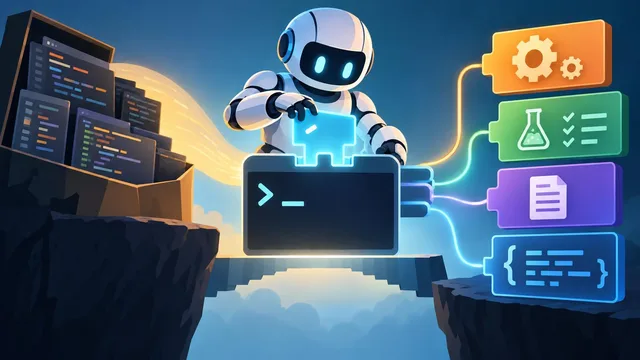
CLI-Anything addresses a gap between AI agents and professional software: many agents struggle with interfaces designed primarily for people. It generates command-line harnesses that connect agents to real applications rather than replacing those applications with simplified stand-ins.
Its seven-phase process analyzes a codebase, designs command groups, implements a CLI, plans and runs tests, documents the result, and prepares packaging. Generated tools can offer JSON output and an interactive mode; a registry tool, CLI-Hub, helps users find and manage available harnesses.
The README reports broad application coverage and thousands of passing tests, but warns that generation quality depends on strong models and available source code. A first pass may need refinement, and tools that wrap desktop applications or backends require those upstream programs to be installed.
4. jingyaogong/minimind

MiniMind is an educational project for people who want to understand language-model training without relying entirely on high-level framework abstractions. It publishes model code, data-processing material, and training flows from pretraining through fine-tuning and selected reinforcement-learning approaches.
The project supports small Dense and mixture-of-experts models, with examples for supervised fine-tuning, LoRA, preference optimization, tool use, and adaptive display of reasoning. It also describes ways to serve models through an OpenAI-compatible API and run inference with other supported frameworks.
The README estimates that a small training run can fit within a few hours on one NVIDIA 3090, but these figures are estimates tied to stated data, hardware, and settings. MiniMind also cautions that its small models have limited general knowledge and that tool-use or reward-focused training can trade off against broader response quality.
5. cursor/plugins
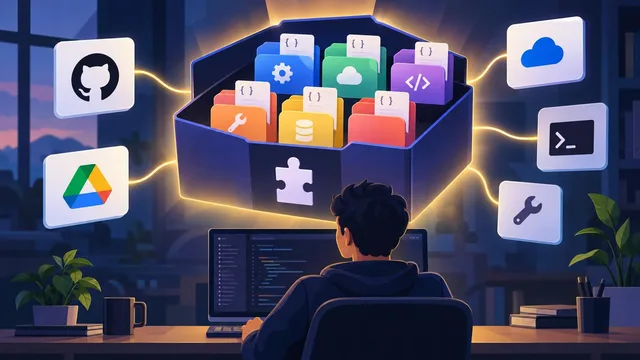
Cursor’s plugins repository gathers standalone extensions for developer workflows and integrations with third-party services. It gives teams one place to discover tools for tasks ranging from code review and compatibility checks to email, calendars, analytics, and business systems.
Each plugin has its own directory and manifest, while skills, rules, and MCP server definitions can provide the instructions and connections an agent needs. The repository’s catalog describes the purpose of each plugin; actual capabilities and access depend on the particular integration and its configuration.
Users can expect a broad menu of agent extensions rather than one unified application. The README identifies the repository as a marketplace collection, so a plugin’s listed features should not be treated as proof of access or successful operation in a particular account.
6. firecrawl/firecrawl

Firecrawl turns web pages into material that AI applications can use, helping teams avoid building separate scraping workflows for each site. Its local tool can scrape individual pages, crawl sites, map URLs, and process PDFs and Office documents.
Firecrawl Cloud adds hosted scale, web search, interactive browsing, structured output, and an agent that can gather information from a prompt. Developers can connect through SDKs or MCP; the local API offers compatibility with Firecrawl’s v2 API, while pages that need JavaScript require a local Chrome or Chromium browser.
The right setup depends on the job: Local runs on the user’s machine, while Cloud and self-hosted deployment have different infrastructure and feature requirements. The README says Local can fall back to Cloud for a page that cannot load locally unless Cloud access is turned off, and reminds users to respect site policies and robots.txt.
7. nginx/nginx
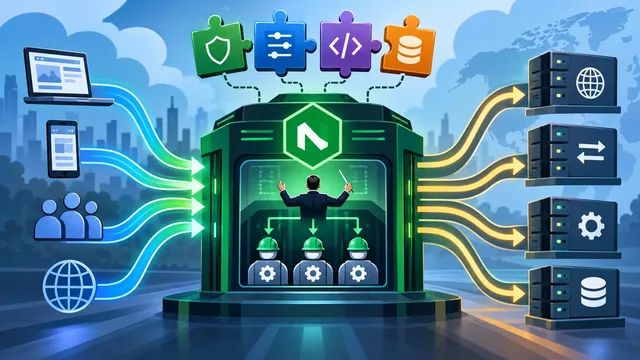
NGINX serves web content and can also act as a load balancer, reverse proxy, API gateway, and content cache. Its modular design lets administrators add configurable capabilities through modules and text-based directives.
A master process manages configuration and worker processes, which handle requests and can be adjusted to available CPU cores. The README introduces common uses including TLS, load balancing, rate limiting, and caching, and distinguishes stable releases from mainline releases with newer features and fixes.
Operators can expect a configurable server whose available directives depend on its compiled modules. The project warns that its Windows implementation is at proof-of-concept stage and is intended for development and testing, not presented as a production-ready Windows server.
8. openvinotoolkit/openvino

OpenVINO is a toolkit for optimizing and deploying deep-learning models when teams need to run inference across different hardware. It supports models from frameworks including PyTorch, TensorFlow, ONNX, PaddlePaddle, and JAX/Flax.
Developers can convert supported models, compile them for a selected device, and run inference through APIs in Python, C++, C, or Node.js. The toolkit supports CPU, Intel integrated and discrete GPUs, and Intel NPUs; associated tools and integrations cover model compression, generative AI, and serving.
The result can be a deployment tailored to available hardware, but compatibility depends on the model, device, and system requirements. The README directs users to its supported-device guidance and performance benchmarks rather than promising a particular speedup.
9. cathrynlavery/diagram-design

Diagram Design helps coding agents turn plain-language requests into diagrams intended for publication, rather than defaulting to generic-looking layouts. It offers 51 types and writes each result as a standalone HTML file with inline SVG.
The skill can match colors and fonts to a website, redraw diagrams from formats such as Mermaid and draw.io, and export SVG or PNG. Its import process records what was combined or omitted, while layout checks and accessibility features aim to make results more consistent and usable.
The README is explicit about trade-offs: output depends on the model, repeated prompts can produce different layouts, and the result is not an editable diagram-source format. It recommends Mermaid instead for diagrams that need frequent Git-based edits.
10. mvanhorn/last30days-skill

Last30days helps users research what people have discussed or responded to across social networks, news, research, and other sources during a recent period. It searches available sources in parallel, scores results using engagement, relevance, and freshness, and compiles findings into a cited brief.
A topic can be a person, company, product, or comparison. Depending on setup and permissions, the tool can draw on Reddit, Hacker News, GitHub, YouTube, and other sources, and can add company hiring or patent signals; users can also request trend discovery instead of researching a named topic.
Source access depends on credentials, installed tools, and explicit opt-ins, so coverage will vary. By default, the project says research stays on the user’s machine apart from calls to selected search services; using an external reasoning provider sends the topic and retrieved snippets for relevance scoring.
11. google-labs-code/stitch-skills

Stitch Design Skills connect coding agents to Google Stitch for design and build workflows. The collection is aimed at people who want to generate screens, move from designs to components, or turn existing frontend code into a design project.
The plugins cover design creation and editing, design-system management, static HTML extraction, and conversions to React or React Native. Utility skills can refine prompts, produce design specifications, or guide a multi-page website workflow.
The README says these skills require a configured, running Stitch MCP server, and selectively installing skills may require their dependencies. It also states that the project is not an officially supported Google product.
12. mjmirza/app-store-compliance
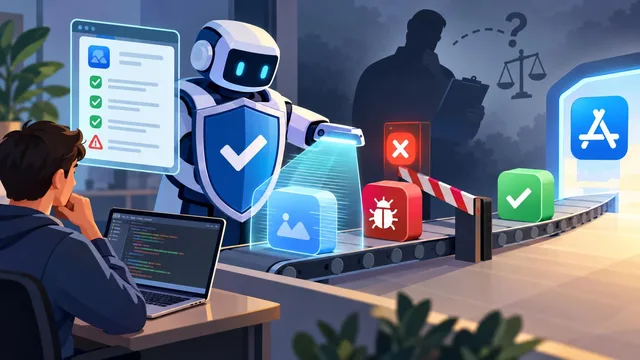
App Store Compliance Playbook helps mobile developers catch possible Apple App Store and Google Play rejection issues before submission. Its guard scans a project and reports ranked findings with relevant rules and suggested fixes when it can identify a risk.
Teams can run a one-time scan, use a checklist, or install the guard as a hook in supported coding agents so it can check before submission commands. Separate scripts cover areas such as store listings, accessibility, security, privacy, and regulatory deadlines.
A clear scan is not an approval: the README stresses that a code scan cannot verify account status, review notes, or every store-console declaration. Hook support varies by tool, and some integrations require manual setup; the project says its checks do not guarantee acceptance.
13. Tracer-Cloud/opensre
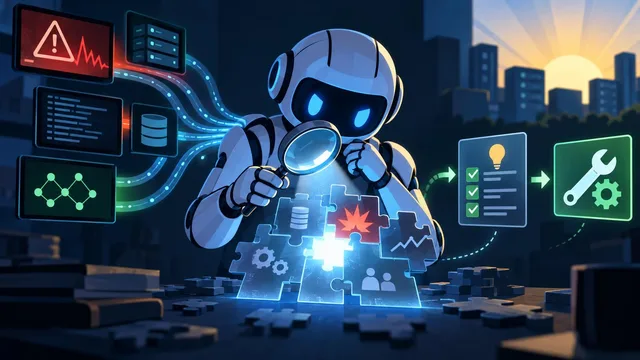
OpenSRE investigates CI failures and production incidents for teams that want more than a red status indicator. It gathers relevant logs, checks, commits, deployments, metrics, and traces, then tests possible causes across connected systems.
The agent can distinguish failures caused by CI from those caused by application code, provide evidence-linked analysis, and propose a fix on a pull-request branch for review. It also supports reporting through communication and incident-management integrations, and can run on a team’s own infrastructure with its chosen models.
OpenSRE is labelled public alpha, so its workflows and integrations may change. Its README also describes a hosted model as the default on first launch; teams should review deployment, data-handling, and telemetry settings for their environment.
14. toeverything/AFFiNE

AFFiNE combines documents, whiteboards, and databases in a workspace designed for people who want to write, plan, and organize knowledge together. Its canvas can hold text, notes, web embeds, database views, linked pages, shapes, and slides.
The project also offers AI-assisted work such as turning outlines into presentations or articles into mind maps. It emphasizes local-first data ownership while supporting real-time synchronization and collaboration across web and desktop clients.
Users can choose a hosted experience or self-host the community edition. The README describes the current available edition as free to self-host under MIT; its enterprise edition is not yet published.
15. XiaoYouChR/Ghost-Downloader-3
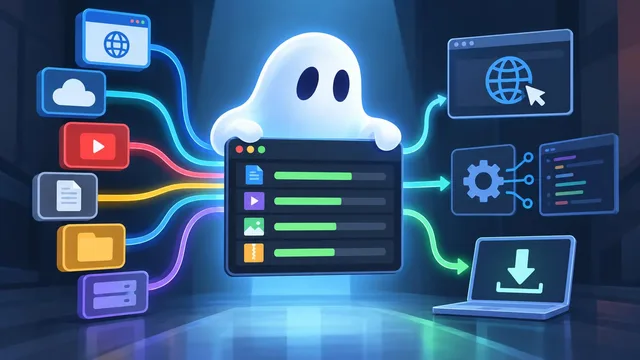
Ghost Downloader 3 brings multiple download protocols and media sources into one desktop application, aimed at users who otherwise juggle separate tools. The README lists HTTP, BitTorrent, FTP, M3U8, MPEG-DASH, and eD2k support, along with YouTube, Bilibili, GitHub, and Hugging Face workflows.
A browser extension can surface downloadable media from a page, while a command-line tool can inspect and manage download tasks. The project also describes smart chunking, bandwidth detection, and background recording of live M3U8 streams on Android.
The application targets Windows 10 or later, macOS 13 or later, Linux with glibc 2.35 or later, and Android 9 or later, with architecture support varying by platform. Its README notes that Qt 6.6 or later does not support CPUs without AVX.
16. zhouxiaoka/autoclip

AutoClip turns a video link into suggested clips, captions, cover images, and social-post text for platforms including Douyin, TikTok, Instagram Reels, YouTube Shorts, and Bilibili. It is designed around interviews, podcasts, courses, and spoken video, with platform-specific formats and clip selection.
Editing and rendering happen on the user’s computer, and the desktop, command-line, and MCP interfaces share the same production workflow. Users can choose local or cloud models for analysis and transcription, review suggested clips, and export a publishing package; direct posting requires connecting an account.
Cloud use has privacy and cost conditions: cloud analysis sends relevant captions and text, cloud transcription sends audio, and selected image features send sampled frames. The README says finished videos are uploaded only when the user chooses to post, and notes that long YouTube clips must be at least 180 seconds to meet the stated platform rule.
Key terms explained
- Scope check
A check that confirms an assessment stays within assets the tester owns or has permission to assess.
- Harness
A command-line interface that lets an agent use a target application’s capabilities.
- Crawl
A process that visits pages across a website and collects their content.
- Inference
The operation of running a trained model on input data to produce a result.
Our priority is to report the news promptly and faithfully.
We use AI to summarize the key facts in our sources. Our editors are responsible for final review and publication.
We leave it to readers to interpret the facts and draw their own conclusions.